LinkedIn video ads are paid videos that appear in the LinkedIn feed, before creator and publisher videos, and now on connected TVs in the UK. They let you put a moving picture in front of people chosen by job title, seniority, industry or company.
The short answer: start with 15 to 30 second feed videos in a 4:5 or 9:16 crop, put a real person on screen, and measure completions before buying bigger formats.
The short version
- There are five formats. Feed video, Thought Leader Ads, pre roll, CTV and Reserved Ads.
- The UK just got CTV. Since 12 November 2026, LinkedIn’s professional targeting reaches UK streaming TV screens.
- Specs differ by placement. 4:5 is recommended in the feed; TV needs 16:9.
- People beat logos. Sponsoring a real expert’s video post is open to any advertiser.
- Know what a view is. Two seconds with half the video on screen, so judge completions and watch time too.
What are LinkedIn video ads?
LinkedIn describes video ads as a Sponsored Content ad format that appears in the LinkedIn feed. You upload an MP4 to Campaign Manager or sponsor a video your company Page has already posted.
What has changed is everything around the feed: pre roll, the living room TV and the top ad slot.
Which LinkedIn video ad formats can brands use?
Five, though not every brand can buy all of them yet. Here is how they compare.
| Format | Where it runs | Objectives | Who can buy it |
|---|---|---|---|
| Video ads | LinkedIn feed and, if you allow it, the LinkedIn Audience Network | Brand awareness, video views, engagement, website visits, conversions and leads | Any advertiser in Campaign Manager |
| Thought Leader Ads (video) | The feed, as a public video post from an employee, creator or other member | Brand awareness, engagement, video views | Any advertiser, with the member’s permission |
| In Stream Ads and BrandLink | Pre roll before eligible creator and publisher videos | Brand awareness, video views | Testing with select advertisers; In Stream is North America only for now |
| CTV Ads | Ad supported streaming on connected TVs via partner publishers | Brand awareness | Advertisers targeting the US, Canada or the UK in English |
| Reserved Ads (video) | The first ad slot in the feed, booked at a fixed price | Reach for launches and key moments | Managed accounts only, from $50,000 |
Sources: LinkedIn Help pages for video ads, Thought Leader Ads, CTV Ads and Reserved Ads, LinkedIn’s In Stream Ads announcement (15 October 2026) and BrandLink page, checked 22 November 2026.
BrandLink places 3 to 30 second pre roll next to chosen publishers and creators. In Stream Ads, tested since October, run across whole content categories instead, as PPC Land reported.

What changed in November 2026?
On 12 November 2026, LinkedIn expanded CTV Ads to the UK, across partners including LG, Paramount+ and Titan OS. Advertisers can now reach UK decision makers on streaming TV by role, industry and seniority.
What LinkedIn says CTV Ads added to feed campaigns
Treat those numbers as a reason to test, not a forecast.
If TV is new to your plan, our guide to connected TV advertising in 2026 covers the wider market for UK brands. We cover platform changes like this every week in The Friday Cut, most recently in our 20 November social media marketing news.
LinkedIn video ads specs by placement
The same file rarely works everywhere. This table shows what changes between the feed, pre roll and TV.
| Spec | Feed video ad | In stream pre roll | CTV ad |
|---|---|---|---|
| Aspect ratio | 16:9, 1:1, 9:16 or 4:5 (4:5 recommended) | Matched to the creator video; square pairs with either | 16:9 only |
| Resolution | Up to 1920 x 1080 (16:9) or 1080 x 1920 (9:16) | As feed video ads | 1920 x 1080 recommended |
| Length | 3 seconds to 30 minutes; 15 to 30 seconds recommended | Up to 90 seconds; skippable if longer than 5 seconds | 6, 15, 30 or 60 seconds recommended |
| File | MP4, 75 KB to 500 MB | MP4 | MP4, up to 500 MB, H.264 |
| Frame rate | Under 30 fps | Under 30 fps | Constant 23.98 to 30 fps |
| Captions | SRT file, plain text only | SRT file | Burn in; viewers are on a TV |
Sources: LinkedIn Help, Video ads advertising specifications, CTV Ads specifications and Video metrics in Campaign Manager, checked 22 November 2026. The CTV captions row is Advertain’s advice.
Keep introductory text under 150 characters and headlines under 70 to avoid truncation, LinkedIn advises.

How to run LinkedIn video ads in 7 steps
Steps 1 to 3 set up the campaign, 4 and 5 make the ads worth watching, and 6 and 7 control the money.
1. Pick one objective per campaign
Decide whether the campaign exists to be seen, to be watched or to drive an action, then choose the matching objective in Campaign Manager.
The objective changes how you pay. With the video views objective and automated bidding, LinkedIn charges by impressions; with manual bidding it charges by views. There are no chargeable clicks on a video views campaign.
2. Choose the placement before the creative
Feed, Audience Network, pre roll and connected TV each need different files, so pick placements first.
Feed video is the default. CTV Ads need the brand awareness objective and the Connected TV Only toggle, and LinkedIn says a video must be uploaded as a CTV asset to be used there.
In Stream Ads sit inside the video format as a toggle, with content categories such as Finance, Tech and AI, Leadership and Business, per LinkedIn’s announcement.
3. Build an audience that is big enough
Target by job, seniority, industry or company list, but keep the audience large enough for the format.
Reserved Ads need at least 100,000 member accounts. CTV Ads can only target the US, Canada and the UK, and the audience language must be English.
Start broad for awareness, then narrow for retargeting.
4. Make the video to spec, then make it work on mute
Export at the recommended size, keep feed ads to 15 to 30 seconds and add captions.
LinkedIn recommends 15 to 30 seconds so a video qualifies for every feed and Audience Network placement. Videos under 30 seconds loop until there are at least 30 seconds of playback, so end on a frame that flows back into the start.
Upload from a desktop, as mobile uploads are not supported,. Our guide to LinkedIn video best practices covers hooks, captions and shooting for vertical in detail.
5. Put a real person in the ad
Sponsor a public video post from an employee, a founder or a creator as a Thought Leader Ad.
You need the member’s permission, their profile must show their full name and the post must be public, according to LinkedIn Help. Video Thought Leader Ads can run on brand awareness, engagement or video views.
There is no call to action button on these ads, so put the link in the post text. Our guide to thought leadership content explains what makes a post worth sponsoring.
6. Set budget and bidding to match the format
Auction formats let you choose a bid strategy; CTV and reserved formats do not.
CTV Ads use maximum delivery only, and the campaign level Dynamic Group Budget setting must be off. Reserved Ads have no bidding at all: you agree a budget with your LinkedIn representative, from $50,000 or the local currency equivalent, and pay only for impressions delivered.
7. Measure views, completions and what happened next
Report on views, completion rate and watch time, then check whether people who saw the video went on to act.
A view on LinkedIn is two or more continuous seconds of playback with at least half the video on screen. Completion rate now divides completions by impressions, not plays, and watch time data is only available from 6 January 2026.
For bigger budgets, Influent reports that LinkedIn’s Conversion Lift testing needs at least $80,000 and a 30 to 90 day test. Our guide to social media KPIs shows how to report them.
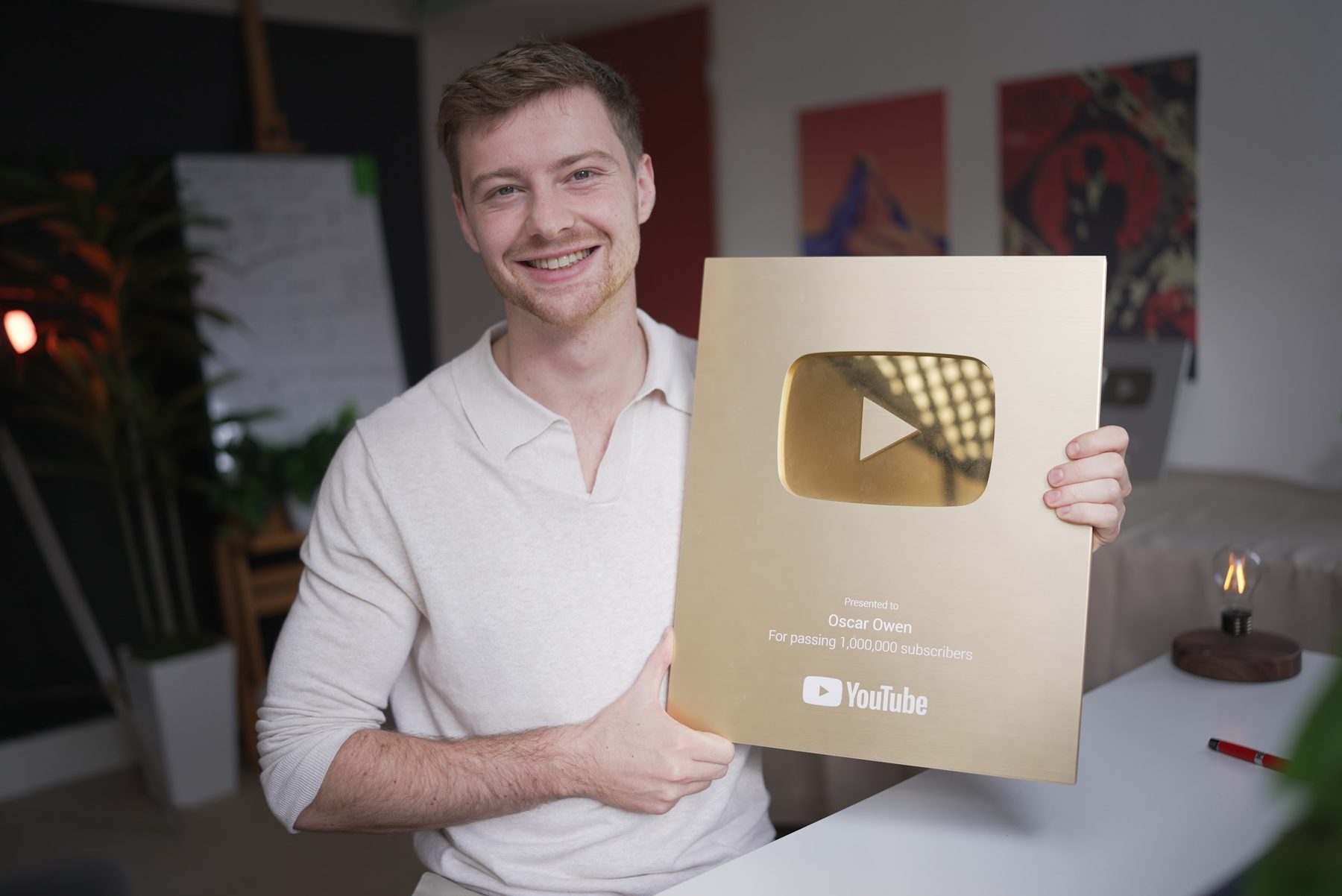
As Oscar Owen, Advertain’s chief executive, wrote on LinkedIn in October 2026:
I used to be sceptical of paid. The results we’re getting have completely changed my mind.
Our view is that organic builds the audience and paid accelerates it. Our guide to paid vs organic social media shows how to split the budget.
Examples: three ways to use LinkedIn video ads
A public example: CTV plus feed. LinkedIn says Cisco, an early CTV Ads advertiser, reached 52% more midmarket accounts than with In Feed Video Ads alone. People who had seen its CTV ads completed Lead Gen Forms at a 141% higher rate when it followed up in the feed. These are LinkedIn’s reported figures.
The next two are illustrative, not real campaigns.
A UK software company. It runs a 20 second 4:5 feed video to target accounts, then retargets people who watched half of it with a lead form.
A professional services firm. It films its head of research explaining one finding in 60 seconds, posts it from her profile and sponsors it as a Thought Leader Ad to finance directors.

Video that builds memory early also matters as more buyers research with AI tools. Our guide to getting your brand cited by AI explains how.
LinkedIn video ads checklist
Run through this before every launch.
- Objective. One per campaign, chosen before anything else.
- Placement. Feed, pre roll, CTV or reserved slot decided before the edit.
- Audience. Big enough for the format, and in the US, Canada or UK for CTV.
- Files. 4:5 or 9:16 for the feed, 16:9 for TV, MP4 under 500 MB.
- Length. 15 to 30 seconds for feed ads, with a clean loop.
- Sound off. Captions burned in or an SRT file uploaded.
- People. At least one ad fronted by a real expert or employee.
- Measurement. Views, completion rate, watch time and a lift or follow up metric agreed up front.
Frequently asked questions
How long can LinkedIn video ads be?
Feed video ads can run from three seconds to 30 minutes, but LinkedIn recommends 15 to 30 seconds so the ad qualifies for every feed and Audience Network placement. In stream pre roll can run up to 90 seconds, and CTV ads work best at 6, 15, 30 or 60 seconds.
Do LinkedIn video ads loop?
Yes, short ones do. Videos under 30 seconds loop until there are at least 30 seconds of playback, so a 10 second ad plays three times. Videos over 30 seconds play once.
What counts as a view on a LinkedIn video ad?
LinkedIn counts a view when the video plays for two or more continuous seconds while at least half of it is on screen, in line with Media Rating Council standards.
How do LinkedIn CTV ads work?
You choose a professional audience in Campaign Manager and LinkedIn matches it to people watching ad supported streaming TV. UK audiences can be targeted since 12 November 2026, alongside the US and Canada.
What is the best aspect ratio for LinkedIn video ads?
LinkedIn marks vertical 4:5 as the recommended ratio for feed video ads, with 16:9, 1:1 and 9:16 also accepted. CTV ads must be 16:9.
Want video that people choose to watch, paid or organic? See our work or talk to us about your brand.