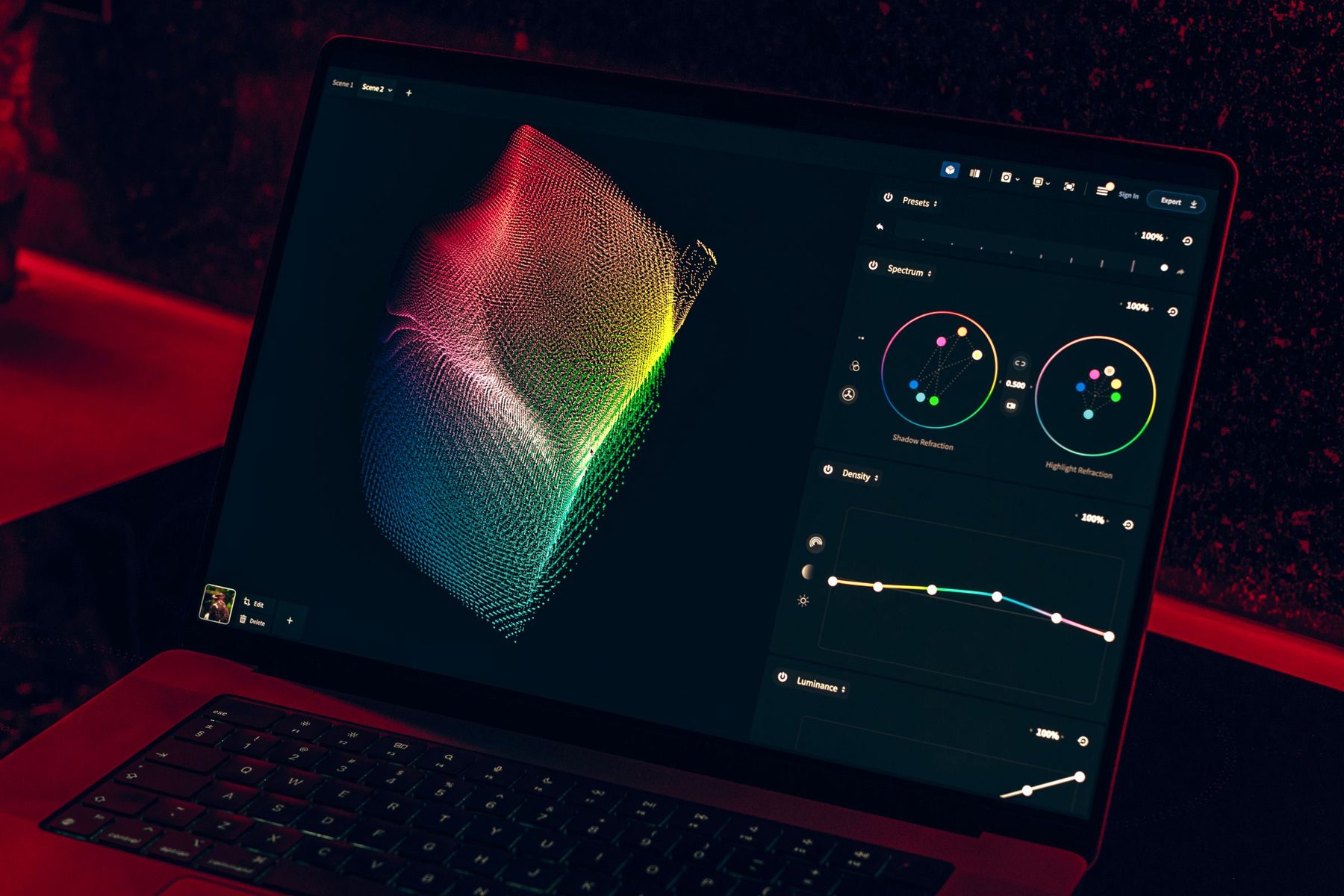
The YouTube Research tab is a new page in YouTube Studio that shows videos performing far above their own channel’s average, so you can see which ideas, titles and thumbnails are winning in your niche. It replaced the Trends tab on 13 November 2026.
The short answer for brands: it is free, it uses data no outside tool has, and used well it turns guesswork about what to film next into a repeatable process.
The short version
- It finds breakouts. Research ranks videos by how far they beat their own channel’s usual views.
- It knows your viewers. One filter shows what your audience watched on other channels in the last month.
- It is desktop only. Go to Insights, then Research, in YouTube Studio.
- AI can help. Ask Studio can summarise the title and packaging patterns behind top videos.
- Use it as a habit. A short monthly session can fill a content calendar with tested ideas.
What is the YouTube Research tab?
YouTube calls it a place to discover what works across YouTube and in your niche. You enter a topic, and it returns high performing videos with filters designed for creators.
TeamYouTube describes it as powered by viewer data from your niche, built to help you explore and validate ideas before you film. YouTube showed it at Made on YouTube in September, after testing it with a small group of users from the summer.

What replaced the Trends tab?
Research did, on the same day YouTube renamed Analytics as Insights. Insights adds plain language summaries, while YouTube says the detailed reports and real time data stay, as PPC Land reported.
| Old Trends tab | New Research tab | |
|---|---|---|
| Where it sits | Analytics, then Trends | Insights, then Research |
| What it shows | Top searches over 28 days, breakout videos from similar creators, content gaps for Shorts | A personalised feed of outlier videos beating their own channel’s average |
| Main measure | Search interest | Outlier score, such as 5x a channel’s usual views in that format |
| Filters | Not listed in YouTube Help | Eight, including Watched by my viewers |
| AI help | None described | Ask Studio can summarise title and packaging patterns |
Sources: YouTube Help Centre, TeamYouTube Community post (13 November 2026) and PPC Land (14 November 2026).
Why should brands care?
Because YouTube is where viewing time is moving. In the US, it took a record share of all TV time in August 2026, according to Nielsen.
Share of all US TV viewing time, August 2026, selected streaming services
Brand channels often struggle with one question: what should we make next? Research answers it with evidence from your own category, not from a brainstorm.

How to use the YouTube Research tab in 7 steps
Steps 1 to 5 find the ideas. Steps 6 and 7 turn them into videos your audience will choose.
1. Open Research on a computer
Sign in to YouTube Studio on desktop, select Insights in the left hand menu, then Research in the top menu.
That route comes straight from YouTube’s help article. Research is not in the Studio mobile app yet, so if a colleague cannot find it on a phone, that is why.
If you used saved keywords in the old Trends tab, export them first. PPC Land reported that saved keywords on desktop were being retired, with time to download them as a CSV file.
2. Search the topics your audience cares about, not your brand
Type in the problems, interests and questions of the people you want to reach.
A kitchenware brand should search “weeknight dinners” or “knife skills”, not its own product names. The goal is to see what already wins attention in the space you want to own.
Hover over a strong result and select More like this to save its title as a search chip and dig further.
3. Filter for outliers and recent uploads
Set a minimum outlier score, choose Videos or Shorts and narrow the upload date.
YouTube defines the outlier score against the channel’s own earlier uploads in the same format: a 5x long form video got five times the views of that channel’s previous long form videos, per YouTube Help.
Raw views versus outlier score (illustrative)
YouTube has not published the time window behind the score. Treat it as a strong signal, not a formula.
4. Switch on Watched by my viewers
Filter for what your existing audience watched on other channels in the last month.
This is the filter outside tools cannot copy. When the tab was in testing, retention specialist Mario Joos told Tubefilter it “is where YouTube wins over any other tool”.
For a brand channel, it shows which creators already hold your viewers’ attention. That doubles as a shortlist for creator partnerships.
5. Compare like with like
Use the subscribers and channel age filters to find small or new channels breaking out.
A big channel getting big views proves little. A two year old channel with a few thousand subscribers doing 20x its usual views tells you the idea itself is pulling people in.
| Filter | What it does | How a brand team can use it |
|---|---|---|
| Type | Videos or Shorts | Research each format separately, as scores compare like with like |
| Views | Filters by public view count | Set a floor so you only study ideas with real reach |
| Watched by my viewers | What your audience watched on other channels in the last month | Find the creators and topics your viewers already choose |
| Outlier score | Videos with far more views than the channel’s earlier uploads | Start at 5x to see genuine breakouts |
| Upload date | When the video went live | Use recent weeks for timely ideas, longer windows for evergreen ones |
| Subscribers | Channel size | Smaller channels show the idea worked without a big audience |
| Duration | Video length | Match the length you can produce |
| Channel age | How long the channel has existed | New channels breaking out are a strong signal of demand |
Filters as listed in YouTube Help, “Research content and find trends”. Usage notes are Advertain’s own advice.
6. Decode the packaging
Study the titles, thumbnails and opening seconds of the top outliers, then ask Ask Studio for the pattern.
TeamYouTube says Ask Studio can uncover recurring title patterns and packaging strategies behind top performing content. Use it as a starting point, then check the videos yourself.
Our guides to YouTube title ideas and thumbnail best practices show what to look for.
7. Turn the pattern into a brief, then measure it
Write the idea in your brand’s own voice, publish, and compare results with your channel’s own baseline in Insights.
Copy the structure, never the video. Keep a simple log of each idea, the outlier that inspired it and how your version performed.
Insights now explains in plain language how new uploads compare with your typical content, as TeamYouTube explains. Our guide to YouTube analytics covers the deeper reports, which YouTube says are still available.
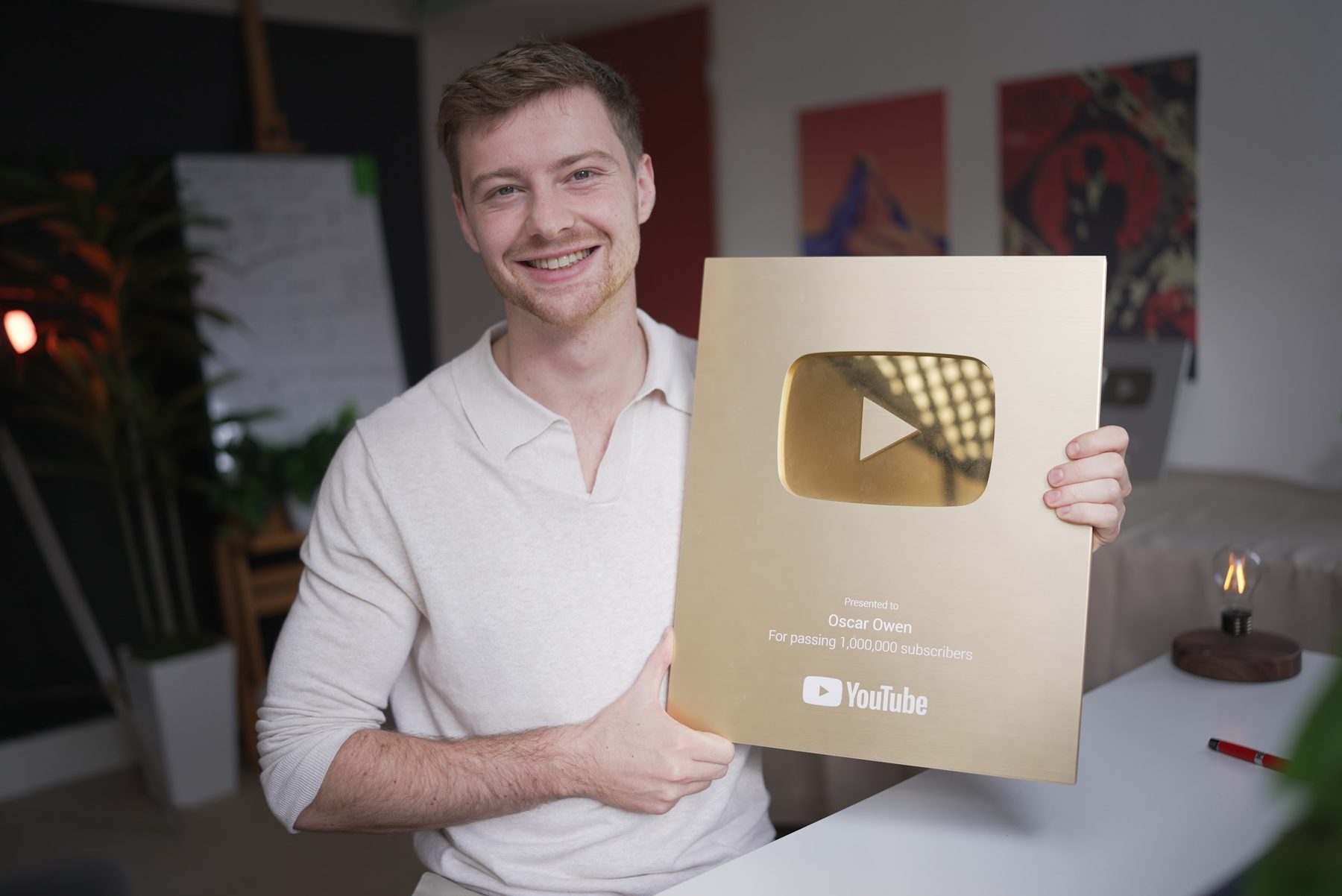
As Oscar Owen, Advertain’s chief executive, put it on LinkedIn in April 2026:
Remaking outliers is the fastest growth strategy on the platform.
Research makes finding those outliers part of the dashboard every channel already uses.
Examples: three ways brands can use Research
These are illustrative, not real campaigns.
A kitchenware brand. It searches “weeknight dinners”, filters for videos over 5x, and spots several small channels breaking out with one pan recipes. It briefs a series around the same promise, shot in its own test kitchen.
A B2B software company. It switches on Watched by my viewers and finds its audience watching long explainers on spreadsheets and productivity. It plans a monthly deep dive video instead of short product demos.
A skincare brand. It filters Shorts by upload date over the last few weeks and notices routines that open with the final result. It tests the same structure in its own Shorts.

Creator videos on YouTube also show up in AI answers, so ideas that win on YouTube can pay off twice. Our guide to getting your brand cited by AI explains how.
YouTube Research tab checklist
Run through this once a month before you plan the next batch of videos.
- Topics. Five audience topics searched, none of them your brand name.
- Outliers. Minimum score of 5x, one format at a time.
- Audience. Watched by my viewers switched on at least once a month.
- Size. Small and new channels checked, not just the giants.
- Packaging. Titles, thumbnails and first 30 seconds noted for the top ten.
- Brief. Each idea rewritten in your own voice with a clear promise.
- Log. Idea, source outlier and your result recorded for every upload.
Frequently asked questions
What is the YouTube Research tab?
It is a page in YouTube Studio on desktop that shows high performing videos across YouTube and in your niche. It replaced the Trends tab on 13 November 2026 and is built to help you find and test video ideas before you film.
Why is the YouTube Research tab missing?
Research is only on desktop for now, under Insights in YouTube Studio. It is not in the Studio mobile app. YouTube also began a gradual rollout of the updated Studio in July 2026, so some channels may still see the older layout.
What is an outlier score on YouTube?
It compares a video’s views with that channel’s earlier uploads in the same format. A 5x score on a long form video means five times the views of the channel’s previous long form videos.
Is the Research tab the same as the Inspiration tab?
No. Tubefilter described Inspiration as a separate tab that uses Google’s AI to suggest ideas. Research shows real videos from other channels with outlier scores and filters.
Can brand channels use the Research tab?
Yes. It sits inside YouTube Studio, so any channel with Studio access on desktop can open it. Some Ask Studio features depend on eligibility, which YouTube has not fully spelled out.
Want a YouTube channel that people choose to watch? See our work or talk to us about your brand. For the AI side of channel planning, read how to use AI for YouTube.