A good video podcast setup has four parts: a quiet room, one microphone per person, a camera for each angle and soft, steady light. Get those right and the show looks professional on any screen, from a phone to a living room TV.
Most brands get the order wrong. They buy cameras first and fix the sound last.
This guide works the other way round. It covers the kit you need for one, two or four people, the camera angles that edit well, how to light the table and a seven step workflow from booking the room to publishing the clips.
The short version
- Sound first. One microphone per person, each on its own track.
- Pick a soft room. Echo ruins more shows than cheap cameras do.
- Shoot the wide plus singles. Two people need three angles.
- Light faces softly. Key, fill and a light behind.
- Always record a backup. A separate audio recorder saves episodes.
- Edit once, publish everywhere. One 16:9 master, then vertical clips.
What does a video podcast setup need?
The kit grows with the number of people at the table. This table lists kit by type rather than by brand, because the right model depends on your budget and room.
| One person | Two people | Four people | |
|---|---|---|---|
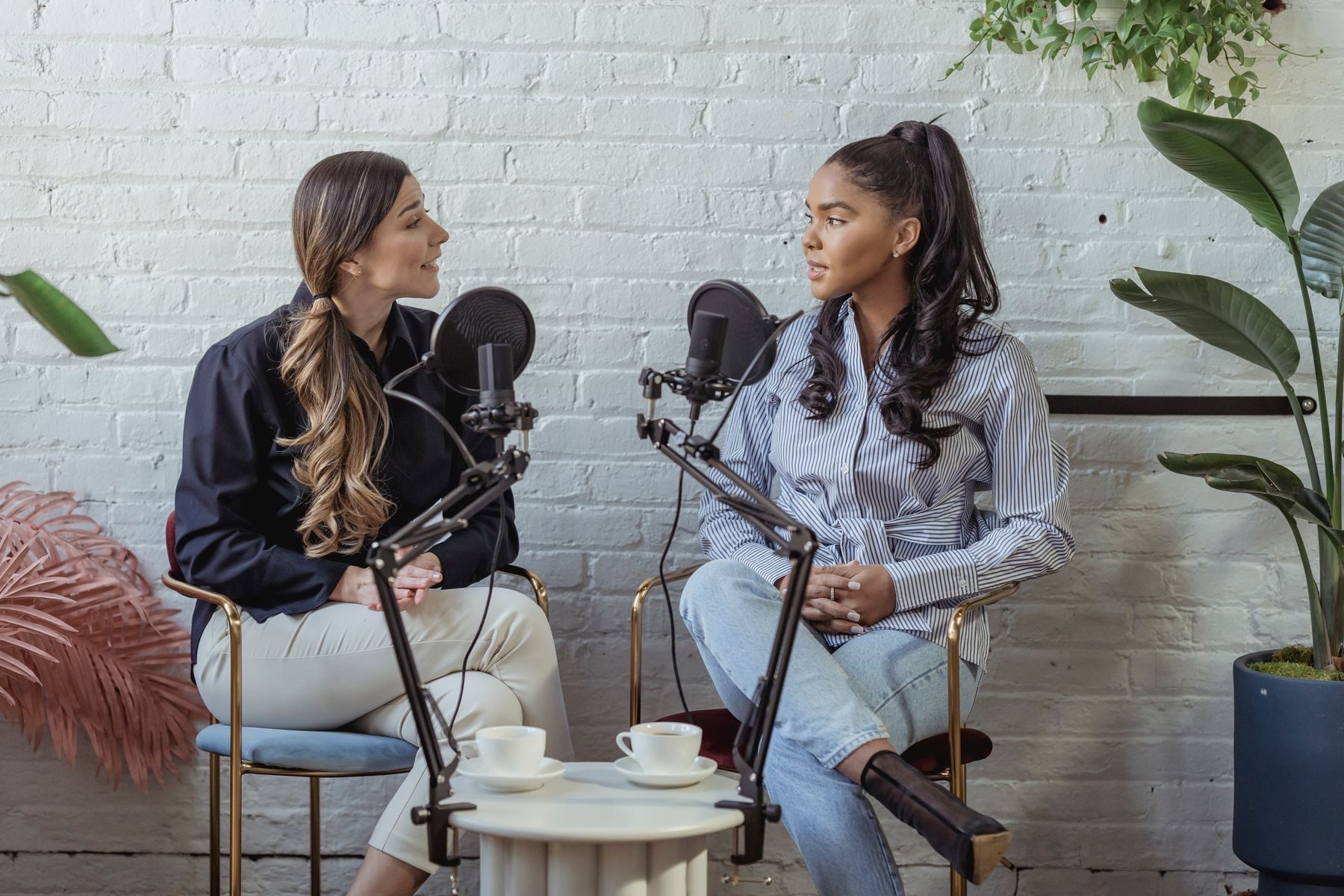
| Microphones | 1 dynamic microphone on an arm | 2 dynamic microphones on arms | 4 microphones, one per seat |
| Audio recording | USB interface or recorder | Interface or recorder with 2 inputs | Mixer or recorder with 4 or more inputs |
| Cameras | 1 camera, plus a phone for a second angle | 3 cameras: one wide and two singles | 4 to 6 cameras, or a crew |
| Lighting | 1 soft key light and a small back light | 2 key lights, a fill and a back light | A full lighting rig across the set |
| Headphones | 1 pair | 2 pairs | 4 pairs, plus a producer pair |
| Room | Quiet room with soft furnishings | Treated room or small studio | Hired studio or a dedicated set |
Advertain guidance. Add spare cables, batteries and memory cards to every setup.
Why is video now part of podcasting?
Because most podcast audiences now do both. In Edison Research’s 2026 study, 57% of Americans aged 12 and over have both listened to and watched podcasts. Only 2% have only watched, so audio still matters.
How Americans aged 12 and over have ever consumed podcasts
The screen is getting bigger too. In the Cumulus Media and Signal Hill Insights study, 38% of weekly podcast consumers said they consume podcasts on a smart TV, up from 32% a year earlier. That is why framing, light and sharpness now matter as much as they do for any other video.
How to build a video podcast setup in 7 steps
Step 1: Decide the format before you buy anything
Your format decides your kit. A solo host talking to camera needs one microphone and one camera. Two hosts at a table need two of each, plus a wide shot. A panel of four needs a proper studio or a crew.
Write down three things first: how many people sit at the table, whether guests join remotely, and where the show will live. If you are still deciding between audio, video or both, read our guide to podcast vs YouTube for brands.
Step 2: Choose the room for sound, then for looks
A beautiful room with bare walls and a hard floor will sound like a bathroom. Pick a room that is quiet, away from traffic and air conditioning, with soft furnishings that soak up echo.
Rugs, curtains, sofas and bookshelves all help. Acoustic panels help more. Then think about the background: give the shot some depth by sitting people a metre or two in front of a wall, not pressed against it.
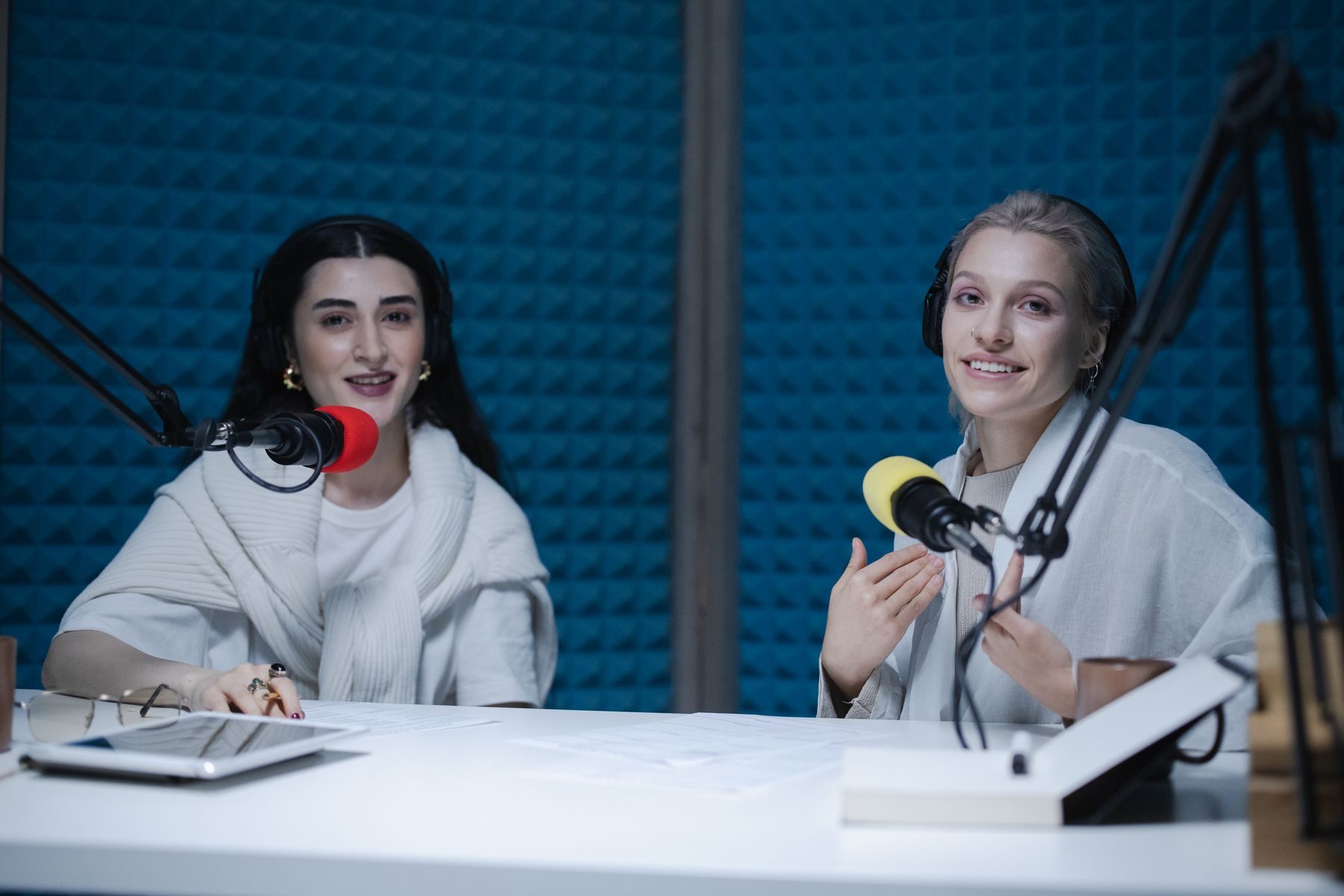
Step 3: Get the sound right first
Viewers forgive soft focus. They do not forgive bad audio. Even with video booming, 92% of weekly podcast consumers in the Cumulus Media and Signal Hill Insights spring 2026 study said they listen to podcasts, and only 8% only watch.
Give every person their own microphone, placed a hand’s width from the mouth. Record each voice to its own track so you can fix one person without touching the others. Everyone should wear headphones so you catch problems while recording, not in the edit.
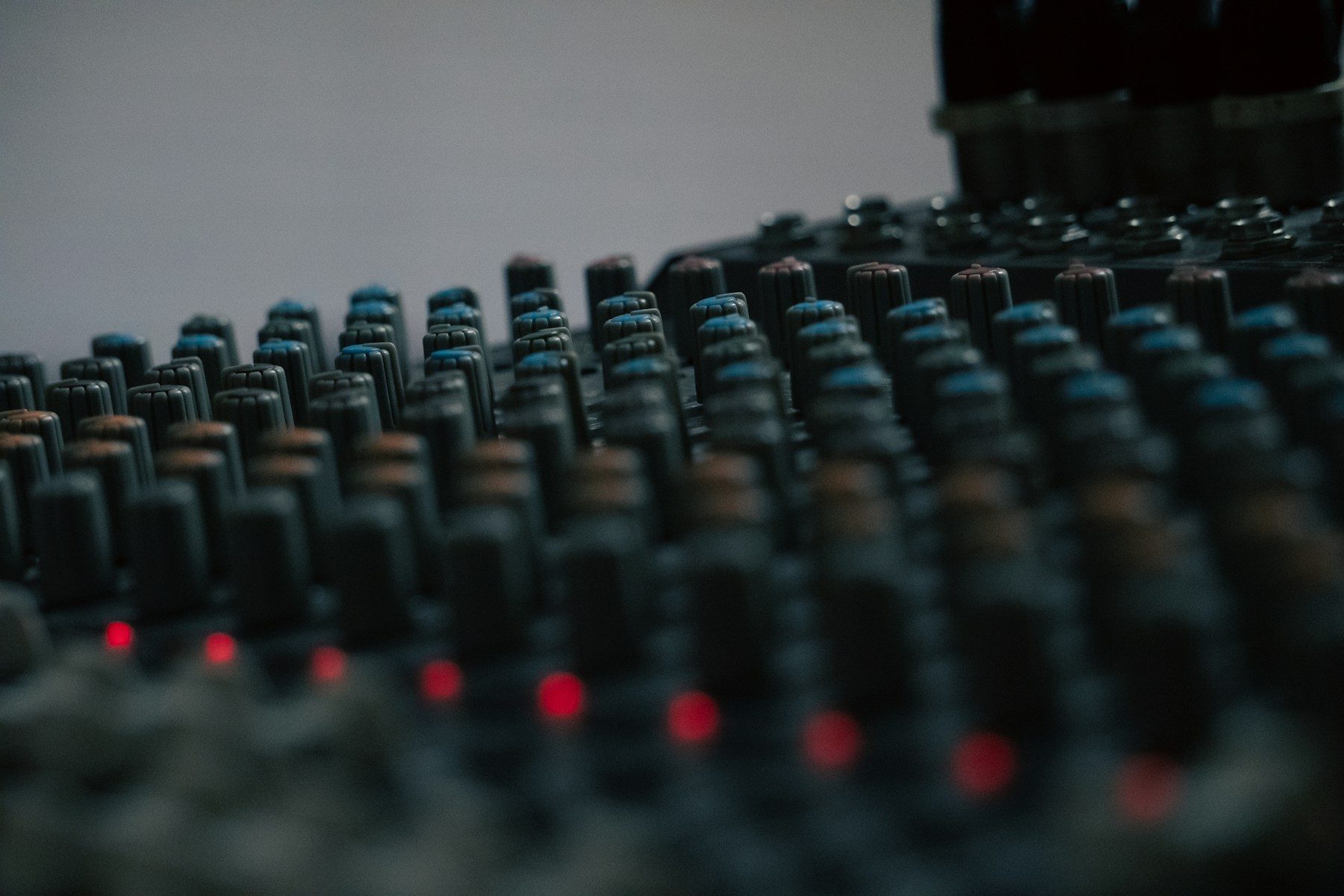
When you mix, aim for the level Apple recommends: an overall loudness of around minus 16 LUFS, within one decibel either way, with true peaks no higher than minus 1 dB.
Step 4: Plan your camera angles
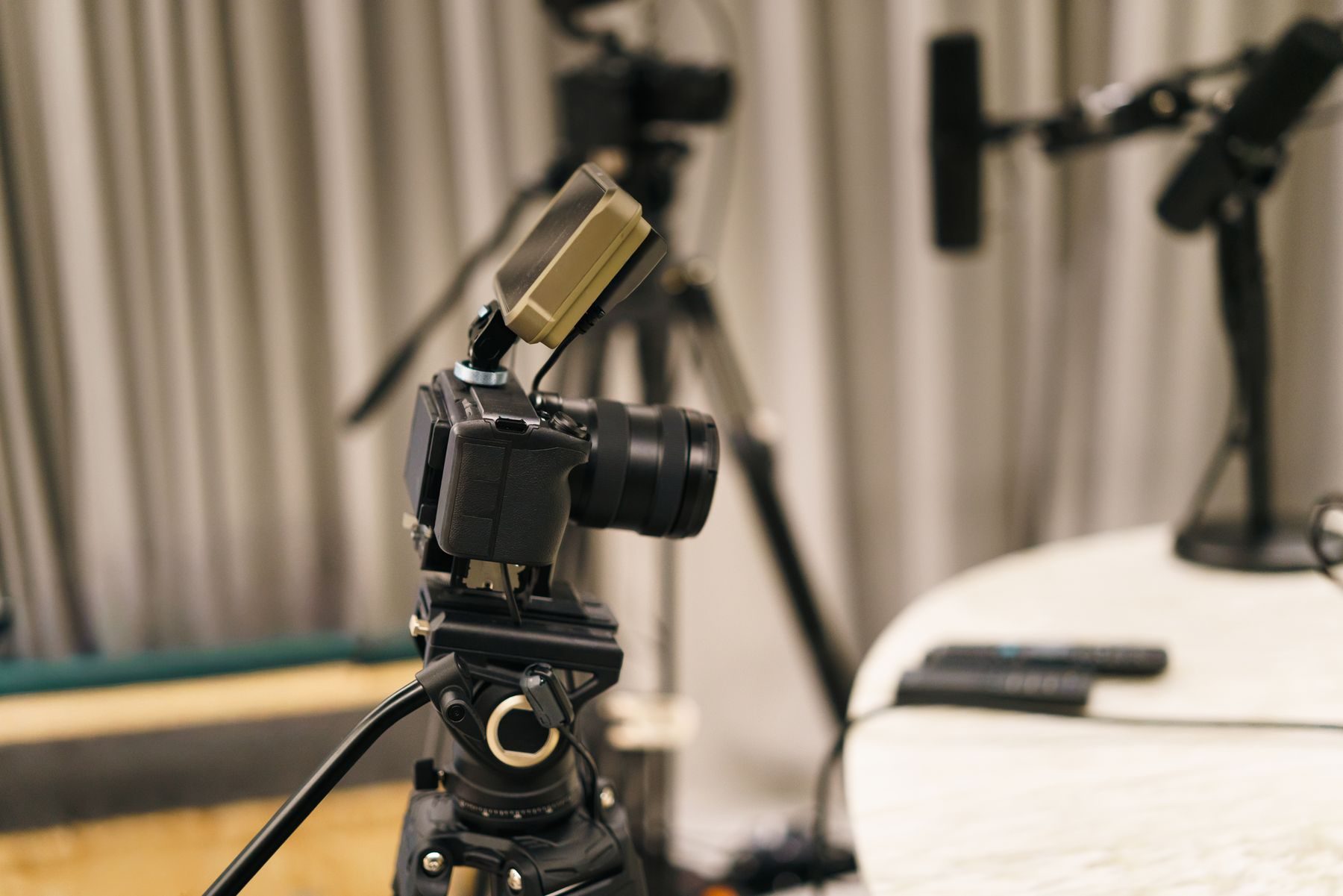
The classic two person video podcast setup uses three cameras: one wide shot of both hosts and one single shot of each. That lets the editor cut to whoever is talking and back to the wide for reactions.
Put cameras at eye level and keep each host looking slightly across the lens, towards the other person. Record in 16:9 at the same frame rate you will publish. YouTube asks for content to be uploaded at the frame rate it was recorded, and lists 24, 25, 30, 48, 50 and 60 frames per second as common choices. UK productions usually choose 25 or 50.
Step 5: Light the faces, then the background
Use soft light from the front and slightly to one side of each face, a weaker fill on the other side and a small light behind to separate people from the background.
Do not mix daylight from a window with warm lamps, as skin tones will shift through the episode. Block the window or light only with daylight balanced lamps.
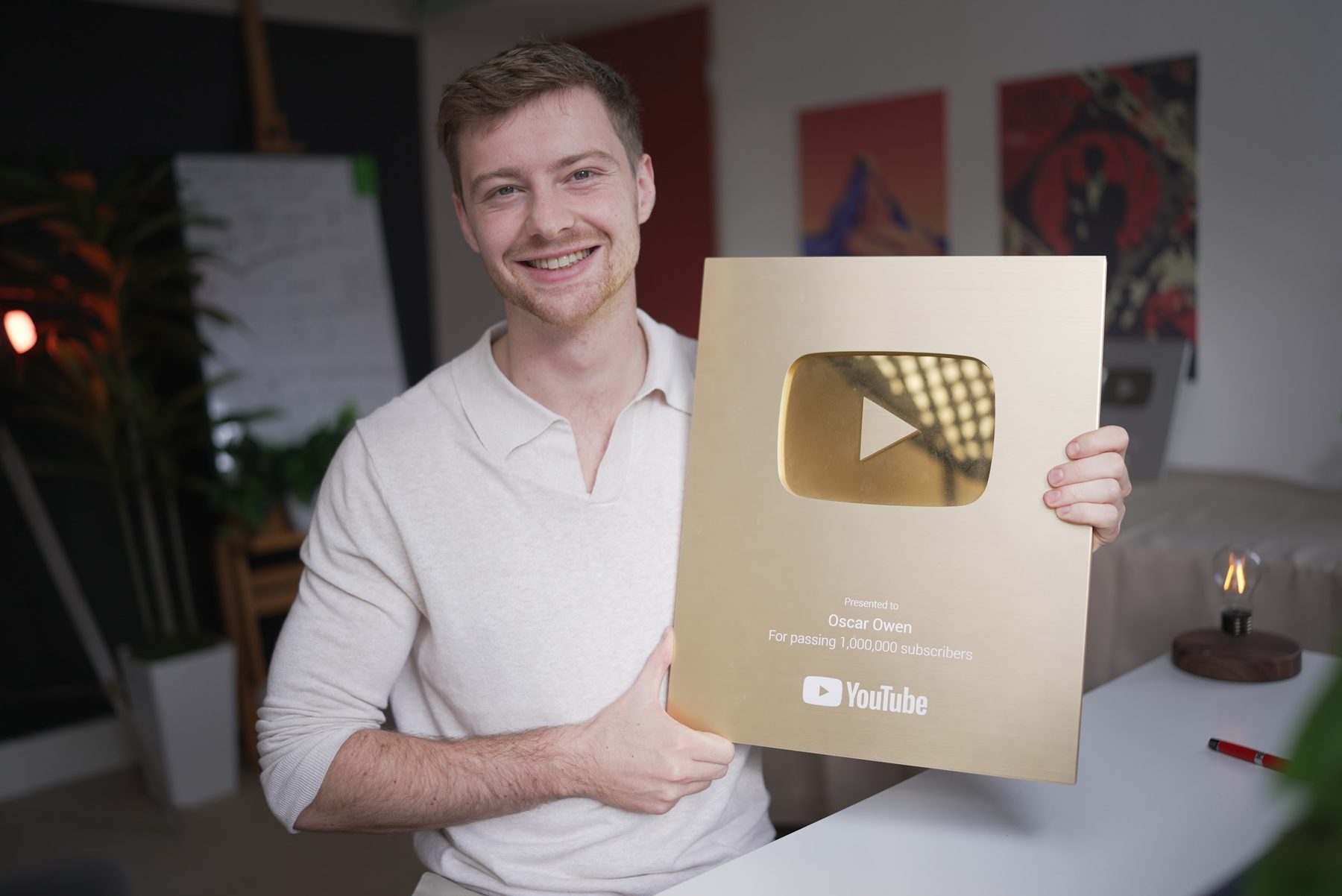
You do not need a lot of money for this. Most of my own early videos were made in my student room at university with a £20 light, a black sheet and a phone.
YouTube is not a film festival. Nobody is watching your videos to admire your colour grade.
Oscar Owen, writing on LinkedIn
Step 6: Record with a backup and a run sheet
Every recording needs a safety net. Record audio on a separate recorder as well as into the cameras, and clap once on camera at the start so the editor can sync every source.
Before you press record, check batteries, card space and that every camera is set to the same frame rate. Use a simple run sheet: the topic, three or four sections, the guest’s name and title, and the call to action at the end. For remote guests, use a tool that records each person locally rather than over the call.
Step 7: Edit once, publish everywhere
Edit one 16:9 master, then export versions for each platform. Spotify recommends 1080p or higher at 16:9, under 10 GB and under four hours. YouTube suggests about 8 Mbps for 1080p at standard frame rates.
Then cut vertical clips for Shorts, Reels and TikTok, each linking back to the full episode. Instagram is now testing long horizontal videos of up to 90 minutes, called Features, which can be linked from Reels clips. We covered the launch in our 30 October social media marketing news. Our guide to repurposing long form video covers the clip workflow.
Add a full transcript and chapters to every episode, so search engines and AI assistants have text they can quote. Our generative engine optimisation guide explains why that matters.
Which video podcast camera angles work best?
Three angles cover almost every show.
| Angle | What it shows | When to use it |
|---|---|---|
| Wide | Everyone at the table and the set | Openings, reactions and your safety shot |
| Single | One person from the chest up | Whoever is speaking, and vertical clips |
| Over the shoulder | One person, framed past the other | Interviews where the guest is the focus |
| Detail | Hands, products or notes on the table | Product shows and demonstrations |
Advertain guidance. Frame singles with space above the head so vertical crops still work.
Should you build a studio or hire one?
Build your own if you will record often, have a spare room you can treat, and want the same set every week.
Hire a studio if you record less than once a month, need four or more people, or want a crew to run cameras and sound. Our guide to video production cost in the UK explains how crew and studio budgets add up.
Video podcast setup checklist
- Format, number of hosts and remote guests decided.
- Quiet room with soft furnishings or acoustic panels.
- One microphone per person, each on its own track.
- Headphones for everyone at the table.
- A wide shot plus one single per person, all at eye level.
- Every camera on the same frame rate, in 16:9.
- Soft key light, fill and back light, with no mixed daylight.
- Backup audio recorder, a clap to sync and a run sheet.
- Mix to around minus 16 LUFS, with peaks below minus 1 dB.
- One master edit, vertical clips, transcript and chapters.
Frequently asked questions
What do you need for a video podcast setup for two?
Two microphones on arms, an audio interface or recorder with two inputs, two pairs of headphones, three cameras for a wide and two singles, and two soft key lights with a back light. A quiet room with soft furnishings matters as much as the kit.
How many cameras do you need for a video podcast?
One camera works for a solo show. For two people, three cameras give you a wide shot and a single of each host. For four people, plan on four to six cameras or a crew.
What is the best lighting for a video podcast?
Soft light from the front and slightly to one side of each face, a weaker fill on the other side and a small light behind each person. Avoid mixing window light with warm lamps.
Can you record a video podcast at home?
Yes. Choose the quietest room, add rugs, curtains or acoustic panels to cut echo, and sit a metre or two in front of the wall. Sound matters more than the camera.
Should a video podcast be filmed horizontally or vertically?
Film the full episode in 16:9 horizontal, which YouTube and Spotify both recommend. Then cut vertical clips from the single shots for Shorts, Reels and TikTok.
Want help planning a show that looks and sounds right? See our work or talk to us about your brand.