A storyboard template is a grid of numbered frames, one per shot, with space under each for the action, the words, the sound and the timing. Fill it in before the shoot and everyone sees the same video before a camera rolls.
The topic is suddenly mainstream. On 2 November, Facebook said its creator assistant can now take a single idea and return a storyboard and shot list. AI can draft the grid. You still need to know what a good one looks like.
This guide gives you a free storyboard template, a matching shot list template, a worked example for a 30 second vertical ad and a seven step process from script to shoot.
The short version
- Brief and script first. A storyboard illustrates decisions, it does not make them.
- One frame per shot. Number every frame.
- Pick the shape first. Vertical and wide frames need different layouts.
- Words under pictures. Voiceover, text on screen, sound and seconds.
- Then a shot list. Reorder by location so the shoot runs fast.
- Lock it. Changes on paper are cheap. Changes on set are not.
What is a storyboard in video production?
A storyboard is a visual plan of a video, drawn as a sequence of frames in the order the viewer will see them. It sits between the script and the shoot.
The script says what is heard. The storyboard shows what is seen. The shot list tells the crew what to film, in the order they will film it.
For brand teams, the storyboard is the cheapest place to catch problems: a product that never appears on screen, a logo that arrives too late or a hook that relies on sound.
Free storyboard template
Copy these columns into Google Sheets, Slides, Canva or a sheet of paper. Each row is one frame.
| Column | What goes in it | Example |
|---|---|---|
| Frame | A number that never changes | 4 |
| Time | Start time and length in seconds | 0:09, 3 s |
| Picture | A sketch, photo or reference image | Rough sketch of hands opening a box |
| Shot | Shot size, angle and any camera move | Close up, top down, static |
| Action | What happens in the frame | Lid lifts, product revealed |
| Words | Voiceover, dialogue and text on screen | Text: “Packed in 30 seconds” |
| Sound | Music, effects or silence | Music builds, box click |
| Notes | Props, product, brand or legal checks | Use the new pack design |
Advertain template. Free to copy and adapt.
How many frames does a storyboard need?
One per shot, so it depends on how fast you cut. Popular films have been cutting faster for decades. Researchers at Cornell University measured 160 films and found average shot lengths of about 10 seconds in the 1930s and 1940s, falling below 4 seconds after 2000.
Average shot length in popular English language films, seconds
Social video usually cuts faster than film. As a working rule, plan a frame every two to four seconds for a short social ad, so a 30 second spot needs around eight to twelve frames. A talking head YouTube video needs far fewer, with frames only where the picture changes.
How to make a storyboard template for video in 7 steps
Step 1: Start from the brief and the script
A storyboard illustrates decisions that have already been made. If the message, audience and call to action are still moving, every frame you draw will be redrawn.
Lock the brief first, then the script. Our creative brief template and YouTube script template cover both.
Step 2: Split the script into beats
Read the script aloud and mark every point where the picture needs to change. Each of those is a beat, and each beat becomes at least one frame.
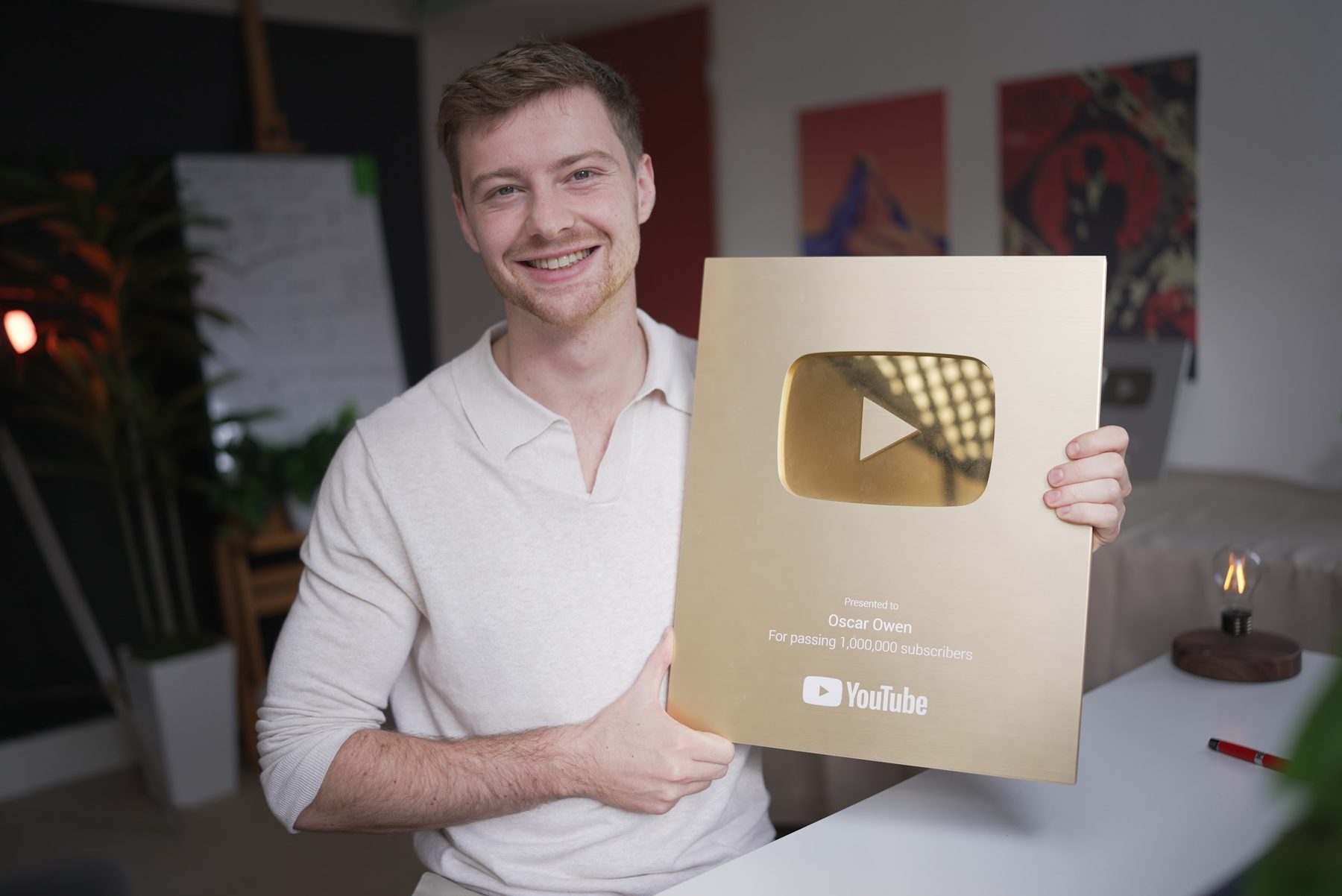
For longer YouTube videos, I use a simple structure I call the H.I.V.E formula: hook, intro, value and end screen. Each part gets its own run of frames.
Repeat your title and thumbnail in the first 10 seconds. This confirms expectations. Viewers don’t feel clickbaited.
Oscar Owen, writing on LinkedIn
Step 3: Choose the aspect ratio before you draw
A 16:9 frame and a 9:16 frame need different compositions. Decide where the video will live, then draw your frames in that shape.
On YouTube, a square or vertical video of up to three minutes is treated as a Short. Plan music early too: YouTube says a Short over one minute with an active Content ID claim will be blocked.
If you need both versions, storyboard the vertical one first. Faces and products sit in the centre, which crops more safely to a wide frame later.

Step 4: Sketch one frame per shot
Stick figures are fine. The storyboard only needs to show who is in the frame, how big they are and where they look.
If drawing is not for you, use reference photos, phone snaps of a rehearsal or simple AI images. Keep each frame to one idea, and number it so the shot list can refer back.

Step 5: Add words, sound and timing
Under each frame, write the voiceover or dialogue, any text on screen, music or sound effects and a rough duration in seconds.
Add up the durations. If the total runs long, cut frames now, not in the edit. This is also the moment to check that captions work with the sound off.
Step 6: Turn the storyboard into a shot list
The storyboard runs in story order. The shot list runs in shooting order, grouped by location and setup so the crew does not move lights back and forth.
Give every shot a number, a size, an angle, the kit it needs and a rough time. Use the template below.
Step 7: Review, sign off and lock it
Share the storyboard with everyone who signs off: the brand team, legal if needed and the director. Collect comments in one place and agree one round of changes.
Then lock it. Changes after the shoot cost far more than changes on paper. Our guide to video production cost in the UK shows how quickly extra shoot time adds up.
Shot list template
Each row is one shot, sorted by location and setup rather than story order. The frame column links each shot back to the storyboard.
| Shot | Frame | Location | Shot size and angle | Move | Talent and props | Time |
|---|---|---|---|---|---|---|
| 1 | 6, 7 | Kitchen | Medium, eye level | Static | Runner, bottle | 20 min |
| 2 | 8 | Kitchen | Close up, top down | Static | Bottle, logo to camera | 15 min |
| 3 | 1, 2 | Park path | Wide, low angle | Tracking | Runner | 30 min |
| 4 | 3, 4, 5 | Park path | Close up, eye level | Handheld | Runner, bottle | 30 min |
Advertain template, filled in for the fictional example below. Add columns for lens, lighting and sound if your crew needs them.
Storyboard example: a 30 second vertical ad
Here is the template filled in for Calder, a fictional brand of insulated water bottles. The video is a 9:16 ad for Reels, Shorts and TikTok, with captions for viewers watching on mute.
| Frame | Time | Picture | Words and sound |
|---|---|---|---|
| 1 | 0:00, 2 s | Wide: runner stops on a cold morning path | Text: “6am. Still cold.” Breath, birdsong |
| 2 | 0:02, 2 s | Close up: runner pulls the bottle from a bag | Text: “Coffee from 5am?” |
| 3 | 0:04, 3 s | Close up: steam rises as the lid opens | Lid click. Music starts |
| 4 | 0:07, 4 s | Medium: runner drinks and smiles | Voiceover: “Hot for 12 hours.” |
| 5 | 0:11, 4 s | Close up: bottle dropped in the bag, no spill | Voiceover: “And it never leaks.” |
| 6 | 0:15, 6 s | Medium: same runner at home that evening | Text: “Or ice cold all day.” |
| 7 | 0:21, 5 s | Medium: ice tipped into the bottle | Voiceover: “One bottle, both ways.” |
| 8 | 0:26, 4 s | Close up: bottle and logo, end card | Text: brand name and offer. Music ends |
Fictional example by Advertain. Claims in a real ad must be ones the brand can prove.
Notice the order. The problem appears in the first two seconds, the product by the third and the brand name at the end, with the bottle on screen throughout.
Can AI make a storyboard for you?
It can make a first draft. Facebook describes its updated creator assistant like this: “You can hand it an idea and get a storyboard and shot list back, or upload a draft before you post and get specific feedback on what’s working or could be better.” Social Media Today reported the update the same day.
Treat any AI storyboard as a starting point. Check every frame against the brief, the brand guidelines and what the product really does. AI does not know your legal lines or your best performing hooks.
AI is changing how people find video too, not just how it is made. Our generative engine optimisation guide covers the search side, and our 30 October social media marketing news rounds up the latest platform AI updates.
Storyboard checklist
- Brief and script signed off before drawing.
- Aspect ratio chosen for the main platform.
- One numbered frame per shot.
- Hook and product visible in the first few seconds.
- Words, text on screen, sound and seconds under every frame.
- Total running time checked against the target length.
- Captions make sense with the sound off.
- Music cleared for every platform it will run on.
- Shot list sorted by location, with times.
- One review round, then locked.
Planning a brand video and want it right before the cameras roll? See our work or talk to us about your brand.Frequently asked questions
What is a storyboard template?
A storyboard template is a blank grid of numbered frames, each with space for a picture, the shot type, the action, the words, the sound and the timing. You fill in one frame per shot to plan a video before filming.
How many frames should a storyboard have?
One per shot. For a 30 second social ad, plan a frame every two to four seconds, which means around eight to twelve frames. A talking head video needs far fewer.
What is the difference between a storyboard and a shot list?
A storyboard shows the video in story order, as pictures. A shot list is the crew’s plan in shooting order, grouped by location, with the size, angle, kit and time for each shot.
Can I make a storyboard in Google Sheets or Canva?
Yes. Use one row or card per frame, with columns for the picture, shot, action, words, sound and timing. Paper works just as well for a first draft.
Do I need to draw well to storyboard?
No. Stick figures, reference photos or phone snaps of a rehearsal are enough. The storyboard only needs to show who is in the frame, how big they are and what happens.
>