Getting social media video sizes right is the cheapest quality win in content. The wrong shape wastes most of the screen and buries captions under buttons.
The short answer: shoot so you can deliver 9:16 vertical, 16:9 widescreen and 4:5 portrait, keep text out of the safe zones and export a separate file for each platform.
The short version
- Vertical is the default. 9:16 fills the phone screen on Reels, Stories, TikTok and Shorts.
- Widescreen still matters. YouTube’s standard player is 16:9.
- Feeds like portrait. 4:5 takes more of the screen than square.
- Organic and paid differ. Ads often want bigger files and different lengths.
- Safe zones decide where text goes. Keep the edges clear.
- Plan the crop before the shoot. One shoot can feed every platform.
Social media video sizes at a glance
Here are the official organic upload specs for the five platforms most UK brands use. Every figure comes from the platform’s own help pages.
| Platform | Best shape | Size guidance | Length | Source |
|---|---|---|---|---|
| Instagram Reels | 9:16 (accepts 1.91:1 to 9:16) | At least 720 pixels and 30 frames per second | Up to 20 minutes. Reels over 3 minutes are not recommended to new audiences | Instagram Help |
| TikTok | 9:16 vertical, or 16:9 | 1080p, 2K or 4K, up to 30 GB when uploading on TikTok Studio web | Up to 60 minutes | TikTok Creator Academy |
| YouTube Shorts | 9:16 or 1:1 | YouTube lists a maximum upload resolution of 1080p for Shorts | Up to 3 minutes | YouTube Help |
| YouTube videos | 16:9 | 1920 x 1080 or 3840 x 2160. No added black bars | 15 minutes by default, longer once verified. Up to 12 hours or 256 GB | YouTube Help |
| LinkedIn video | Anything from 1:2.4 to 2.4:1 | 256 x 144 up to 4096 x 2304, up to 5 GB | 3 seconds to 15 minutes | LinkedIn Help |
Organic uploads, checked against each platform’s help pages on 14 November 2026. Platforms change these often, so check the source before a big launch.
Note that a long upload limit is not the same as reach. Instagram says Reels over 3 minutes will not be recommended to new audiences.

Why does video size matter?
Because the screen is fixed. A phone held upright is a 9:16 window, and anything wider leaves empty space above and below.
How much of a vertical phone screen each video shape fills
A widescreen video shown at full width on a phone covers about a third of the screen. A 4:5 video covers about 70%. That is the case for exporting each shape rather than posting one file everywhere.
The platforms push the same way. When Instagram moved its profile grid from squares to taller rectangles in January 2025, its head, Adam Mosseri, said most uploads were vertical and squares cropped them, as Engadget reported.
Social media video sizes for ads
Paid placements have their own specs.
| Placement | Shape | Recommended size | Length and file size | Source |
|---|---|---|---|---|
| Instagram Reels ads | 9:16 | 1440 x 2560 | Up to 15 minutes, 4 GB | Meta |
| Instagram Stories ads | 9:16 | 1440 x 2560 | 1 second to 60 minutes, 4 GB | Meta |
| Instagram feed video ads | 9:16 | 1080 x 1920 | 1 second to 60 minutes, 4 GB | Meta |
| Facebook feed video ads | 4:5 | 1440 x 1800 | 1 second to 241 minutes, 4 GB | Meta |
| TikTok in feed ads | 9:16 (16:9 and 1:1 accepted) | At least 540 x 960 | Up to 10 minutes, 500 MB | TikTok Ads Help |
| LinkedIn video ads | 16:9, 1:1, 4:5 or 9:16 | 1920 x 1080 for 16:9. Up to 1080 x 1350 for 4:5 and 1080 x 1920 for 9:16 | 3 seconds to 30 minutes, 500 MB | LinkedIn Help |
Paid placements, from each platform’s ads guide on 14 November 2026. TikTok Spark Ads, which run existing posts, have no length restriction.
For carousel ads and image carousels, see our Instagram carousel ideas guide, which covers those specs separately.
How to export social media video sizes in 7 steps
Steps 1 and 2 happen before the shoot, steps 3 to 6 in the edit and step 7 before anything goes live.
1. List every placement before you shoot
Write down every place the video will run, organic and paid, before anyone books a camera. The list decides the shapes you need.
Not sure which short form platforms deserve the effort? Our comparison of TikTok vs Instagram Reels vs YouTube Shorts covers reach and audience by platform.
2. Pick a master frame and shoot for the crop
Decide which shape matters most, then frame everything so the other shapes can be cut from it.
A 4K widescreen frame is 3840 x 2160 pixels. Cropping a vertical 9:16 section from it gives 1215 x 2160, which is still more than 1080 x 1920.
That only works if the subject stays near the centre. Brief the camera team to keep heads, hands and products inside the middle third.
If paid vertical ads matter most, film a separate vertical angle. Meta recommends 1440 x 2560 for Reels ads, which a 4K crop cannot reach.
3. Map the safe zones
Every vertical app lays buttons, captions and profile details over the edges of your video. Keep text and logos out of those areas.
Meta asks advertisers to keep 14% of the top, 35% of the bottom and 6% of each side clear on Reels and Stories.
| Zone on a 1080 x 1920 frame | Meta guidance | In pixels |
|---|---|---|
| Top | Keep 14% clear | About 269 pixels |
| Bottom | Keep 35% clear | About 672 pixels |
| Left and right | Keep 6% clear on each side | About 65 pixels each |
| What is left for text and logos | The centre of the frame | About 950 x 979 pixels |
Percentages from Meta’s Reels ads guide, which uses the same safe zone for Stories. Pixel figures are Advertain calculations for a 1080 x 1920 frame. TikTok publishes downloadable safe zone templates in its ads specs rather than fixed percentages.
LinkedIn’s help page gives the same advice in plainer words: keep key elements away from the edges.
4. Export one file per shape
Do not let the platforms crop for you. Export a separate file for each shape on your list, framed by a person.
MP4 with H.264 video is the safe default. Meta lists H.264 with AAC audio at 128 kbps or more, and LinkedIn asks for MP4 with H.264.
YouTube’s help page asks creators not to add padding or black bars to change the ratio. The same rule works everywhere: reframe, do not letterbox.
On Instagram, switch on the setting to upload at the highest quality.
5. Respect length and file size limits
Length limits differ more than sizes do, and the organic and paid limits are often different on the same platform.
Shorts stop at 3 minutes. TikTok in feed ads and LinkedIn ads both cap files at 500 MB, while organic LinkedIn posts allow 5 GB.
For a longer edit, cut it down rather than squeezing it. Our guide to repurposing long form video shows how.
6. Add captions and a cover for every version
Captions make a video work with or without sound, so burn them in or upload a caption file, and design a cover frame for each shape.
Captions are now standard practice. 71% of teams in Wistia’s 2026 report add closed captions to their videos.
Instagram’s Reels cover is 420 x 654 pixels, and the profile grid has used taller rectangles since January 2025, according to Engadget. Keep the cover’s key detail in the centre.
Captions and transcripts also give search engines words to read. Our GEO guide explains why that matters for AI search.
7. Check on a real phone and keep a spec sheet
Watch every export on the device people will use before it goes live. Then save the settings so the next shoot starts from a checklist.
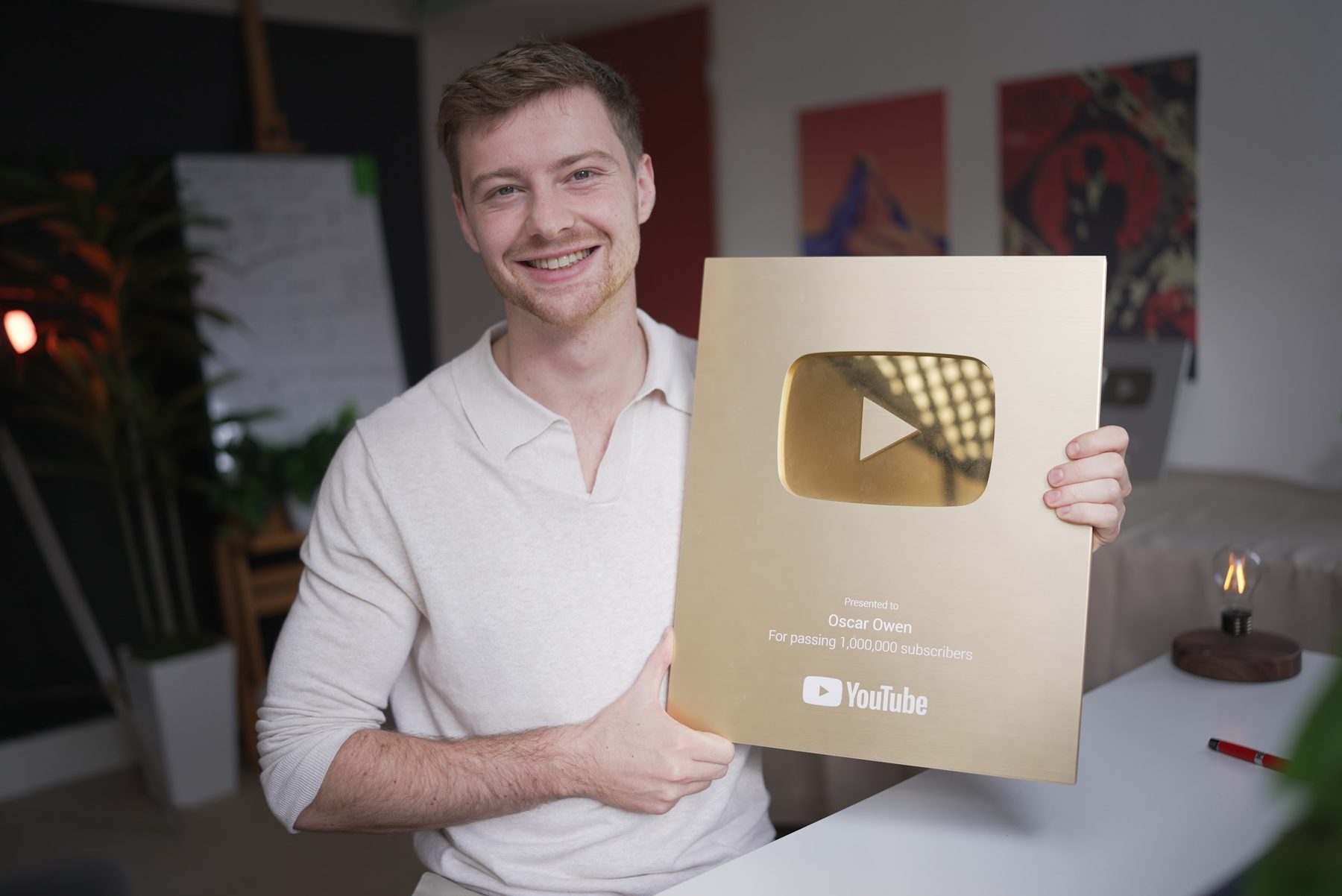
Oscar Owen, our cofounder, put the principle simply in a LinkedIn post in November 2025:
What works on a phone fails on TV.
It works both ways. Check the widescreen version on a big screen too.
Review the spec sheet every quarter. Specs move quickly, and our Friday social media marketing news round up tracks the changes.

Example: one shoot, five deliverables
Here is how the seven steps might look for a fictional UK homeware brand we will call Larkfield, launching a new product.
It films a 4K widescreen main camera for YouTube and a second camera turned vertical for paid social. Everything else is cut from those two sources.
| Deliverable | Shape | Export | Length |
|---|---|---|---|
| Main YouTube film | 16:9 | 3840 x 2160 | 8 minutes |
| Shorts, Reels and TikTok cut | 9:16 | 1080 x 1920, cropped from the 4K master | 45 seconds |
| Paid Reels and Stories ad | 9:16 | 1440 x 2560, from the vertical camera | 15 seconds |
| Instagram and Facebook feed | 4:5 | 1080 x 1350 | 30 seconds |
| LinkedIn post | 1:1 | 1080 x 1080 | 60 seconds |
Larkfield is a fictional brand and this plan is invented to show the format. It is not based on a real brand or client.
Budgeting a shoot like this? Our guide to video production costs in the UK breaks down the main line items.
Video size checklist
Run through it before every upload.
- Placements listed. Organic and paid, before the shoot.
- Master frame chosen. Subject kept in the middle third.
- Vertical angle booked. If paid vertical ads are on the list.
- Safe zones checked. No text or logos in the top 14%, bottom 35% or side 6%.
- One file per shape. MP4, H.264, no letterboxing.
- Lengths checked. Organic and paid limits for each platform.
- Captions and covers done. One cover per shape, key detail centred.
- Phone test passed. Every export watched on a real device.
Tools keep making this easier. Instagram’s Edits app came to desktop on 13 November 2026 with exports in 4K, according to Music Ally.

Frequently asked questions
What is the best video size for social media?
Vertical 9:16 at 1080 x 1920 works for Reels, Stories, TikTok and Shorts. Add 16:9 for YouTube and 4:5 for Instagram and Facebook feeds. Meta recommends 1440 x 2560 for Reels and Stories ads.
What size is a TikTok video?
Vertical 9:16. TikTok’s ads guide asks for at least 540 x 960, and TikTok Studio on the web accepts uploads in 1080p, 2K or 4K of up to 60 minutes.
What size is an Instagram Reel?
Instagram accepts Reels from 1.91:1 to 9:16, with a minimum resolution of 720 pixels and at least 30 frames per second. Vertical 9:16 fills the screen.
What size are YouTube Shorts?
Shorts can be vertical or square and up to 3 minutes long. YouTube’s help page lists a maximum upload resolution of 1080p for Shorts.
What size should LinkedIn videos be?
Organic LinkedIn video accepts ratios from 1:2.4 to 2.4:1 and up to 4096 x 2304 pixels. For ads, LinkedIn supports 16:9, 1:1, 4:5 and 9:16.
Sizes are the start, not the finish. For what to post once the specs are right, read our YouTube Shorts strategy and LinkedIn video best practices. Want help planning a shoot that feeds every platform? See our work or talk to us about your brand.